
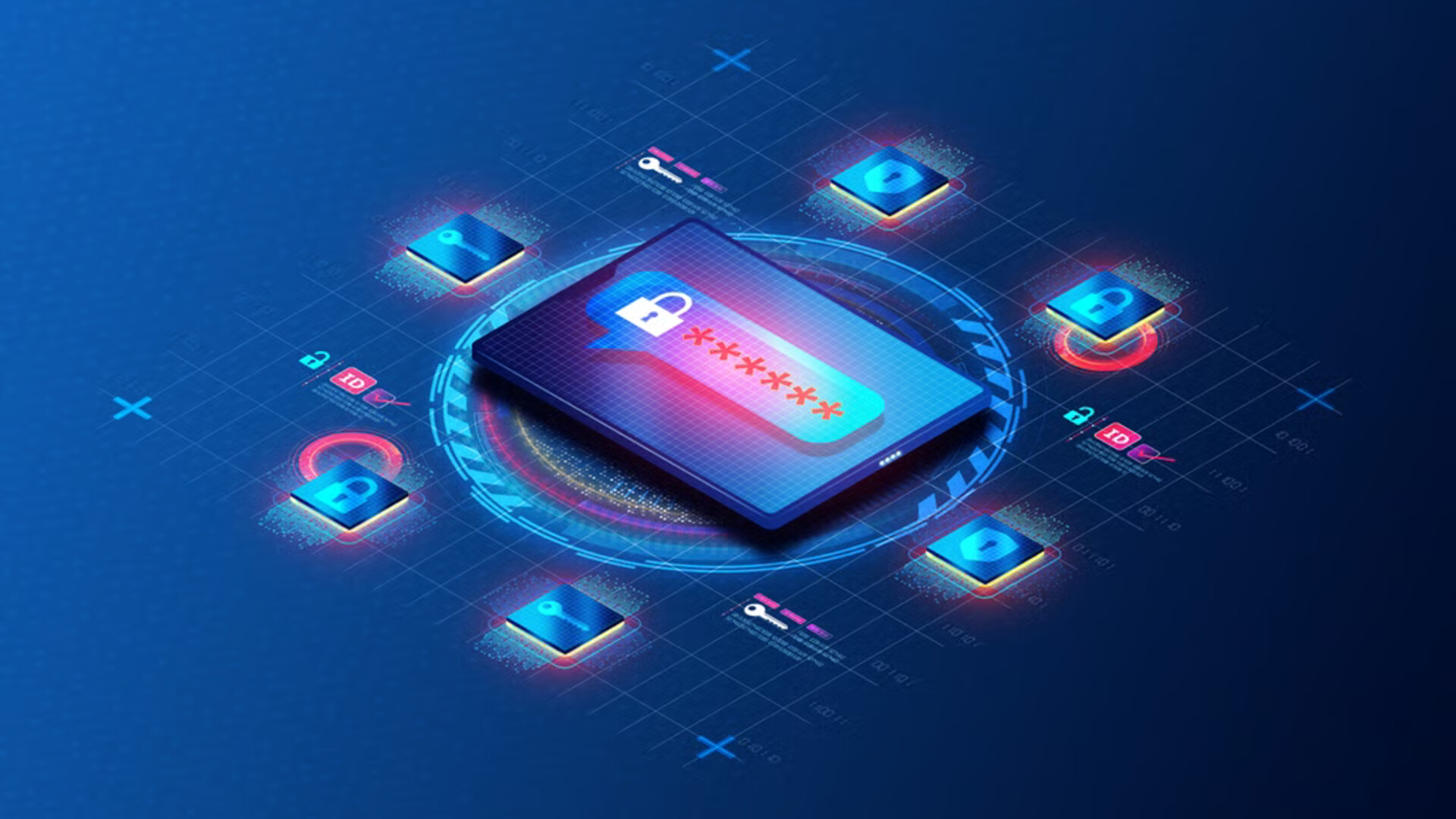
The Problem: Password Overload
The average person has 100+ online accounts. If you're using the same password (or slight variations) across most of them, you're one data breach away from losing everything. When hackers steal passwords from one site, the first thing they do is try those same credentials on banking, email, and social media sites. This is called credential stuffing, and it works more often than you'd think.
What Is a Password Manager?
A password manager is like a secure vault for all your passwords. You remember one strong master password, and the manager remembers everything else. It can also:
- Generate strong, unique passwords for every site
- Auto-fill login forms so you don't have to type
- Alert you if any of your passwords appear in a data breach
- Sync across all your devices (phone, laptop, tablet)
Are Password Managers Safe?
Much safer than the alternative. Password managers encrypt your vault with military-grade encryption (AES-256). Even if a hacker somehow got your vault file, they'd need your master password to decrypt it — and with a strong master password, that's essentially impossible with current technology.
The Best Free Options in 2026
Bitwarden (Our Top Pick)
Open-source, free for personal use, and available on every platform. Bitwarden has been independently audited and is trusted by millions. The free tier includes unlimited passwords across unlimited devices.
Proton Pass
From the makers of ProtonMail, Proton Pass offers a privacy-focused password manager with built-in email aliasing. Great if you already use the Proton ecosystem.
Apple Passwords (Built-in)
If you're fully in the Apple ecosystem, the built-in Passwords app (iOS 18+/macOS Sequoia+) is surprisingly capable and requires zero setup.
Getting Started: 10-Minute Setup
- Choose a manager — We recommend Bitwarden for most people
- Create your master password — Use a passphrase of 4+ random words (e.g. generate one with Diceware or your manager's built-in generator)
- Install the browser extension — This is what auto-fills your logins
- Install the mobile app — Enable autofill in your phone's settings
- Start saving passwords — As you log into sites, save each one to your vault
- Replace weak/reused passwords — Prioritize banking, email, and social media first
Your master password is the one password you must never forget. Write it down and store it somewhere physically safe (like a locked drawer), not on your computer. Consider sharing it with a trusted family member in case of emergency.
Your master password is the one password you must never forget. Write it down and store it somewhere physically safe (like a locked drawer), not on your computer. Consider sharing it with a trusted family member in case of emergency.
Sources: Bitwarden · Proton Pass · NIST Digital Identity Guidelines. Cover photo: eSecurity Planet (editorial).